The BudStacks Guide · Part 12
The Paper Trail
A record of every action taken in your store admin — who did what, when.
In your admin: /tenant-admin/audit-logs
Activity Log
What it’s for
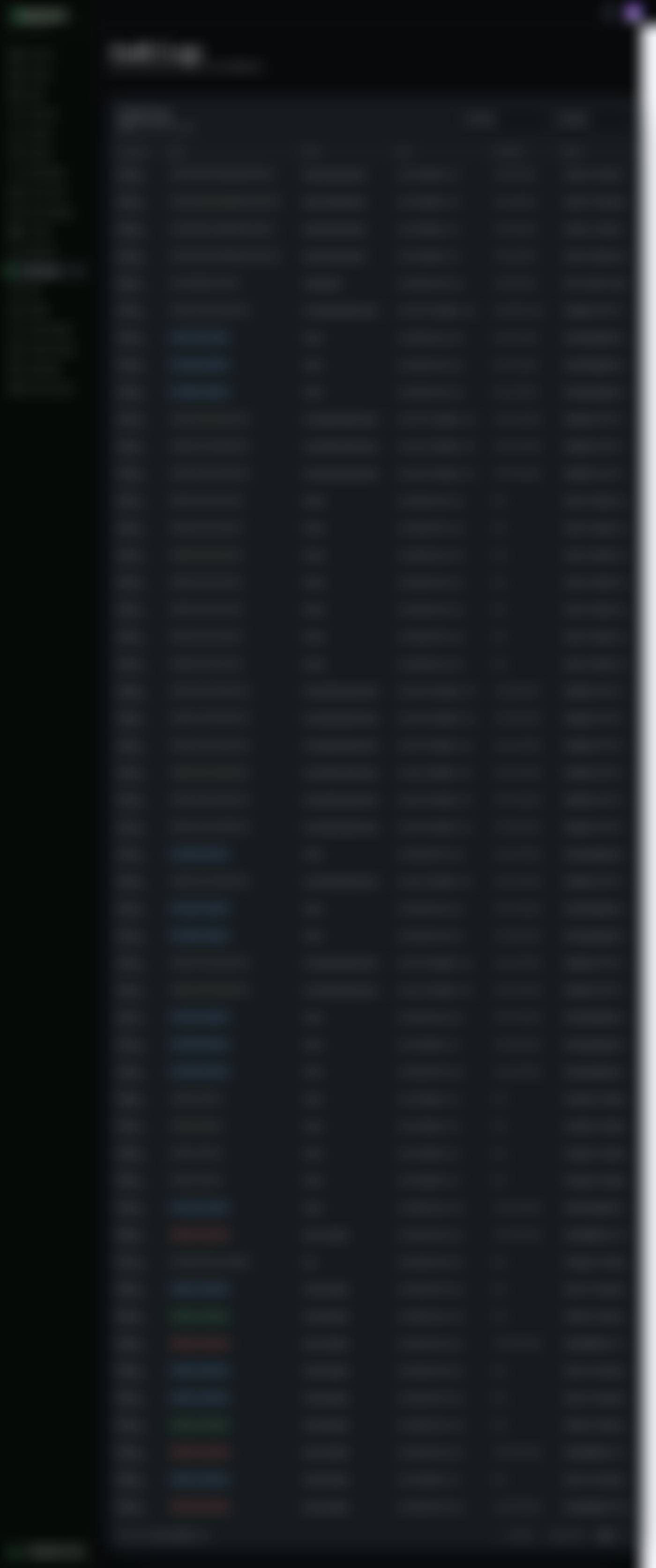
The record of what has been done inside your admin. Every change anybody makes writes a line here — the time, the action, what it was done to, the account that did it and the address they did it from.
What it does
- Newest first, fifty to a page, with the running total above the table and page controls beneath it.
- Each row: the time to the second, the action as a colour-coded pill, the kind of thing it happened to, the person's email, their IP address, and the recorded details.
- The colours are a shortcut, not a judgement. Green is something created or a sign-in, red is something deleted or a failure, blue is something changed, amber is a warning, grey is everything else.
- Two filters: one for the action, one for the kind of thing it happened to. Both reload the list on the spot, and the total above the table follows the filter.
- Far more is recorded than the two filter lists offer. Settings changes, team invitations and removals, role changes, webhook changes, customer privacy actions and SEO changes are all in the list — they simply cannot be picked from the dropdowns.
- Personal details are stripped out before a row is written, so the details column shows field names and references rather than customers' names and addresses.
- Rows are written once and never changed or removed by the admin. That is the point of the record.
Try it: Answer “who changed this?”
- Open Audit Logs in the left menu. You land on the most recent events, newest at the top.
- Narrow it with the second dropdown — pick the kind of thing you are asking about, such as Branding.The list reloads immediately, and the count above the table now counts only the rows that match.
- Read down the Timestamp column to the day the change happened.On a narrow screen the table hides the user, IP and details columns to fit. Widen the window, or turn a tablet sideways, to see the whole row.
- Read the User column. That is the account that did it.“System” is not a person — it means the platform did it: a scheduled job, or an incoming notification from Dr Green.
- Read the Details column on that row for the specifics of what changed.If a filter is not finding it, clear both dropdowns and page back through the list. The dropdowns only cover a handful of actions, so plenty of real events are only findable by looking.
Why you’ll use it
The moment more than one person can open your admin, “who changed the price?” stops being a rhetorical question. This screen turns it into a ten-second lookup with a timestamp against it, which ends the conversation before it becomes an argument. It is also the record you reach for when something needs explaining after the fact — a price that moved, a customer record that was erased, a setting that stopped working on a particular afternoon.
- · There is no search box today. Two dropdown filters and the page buttons are the whole toolkit, so a specific event from months ago takes some paging.
- · The action dropdown covers six actions and the entity dropdown four kinds of thing. Everything else — team, settings, email, SEO, privacy — is recorded and shown, just not filterable.
- · The details are deliberately thin on personal data. Names, emails, phone numbers and addresses are stripped before the row is stored, so this record cannot itself become a privacy problem.
- · The menu item only appears for roles you have granted View audit logs in Roles & permissions.
- · When BudStacks support works inside your store with your permission, their actions are recorded under their own account and tied to that support session. It is never disguised as one of your staff.
- · Rows are kept indefinitely. There is no way to clear them or set a retention period from this screen, which is intentional for a record whose value comes from being complete.